7 Mistakes to Avoid When Picking Location Based Task Coordination Software
You need field teams to coordinate tasks by location, not guesswork. Most software demos look fine until dispatch, routing, and proof of completion break down in daily use. That is when teams start hunting for replacements.
This article covers seven mistakes that lead to costly software picks, from ignoring your team's real workflow to overpaying for features nobody uses. You will get concrete criteria, a look at options including Tasks.Bot, and a clear number one pick to help you decide.
What to Look For in Location Based Task Coordination Software
Evaluating location-based task coordination software requires looking beyond basic GPS pings to assess how location intelligence integrates with daily task assignment and verification. These platforms combine task management with geolocation so the right person arrives at the right place at the right time.
That combination powers automated dispatch, dynamic scheduling, and resource allocation across a mobile workforce. A dispatcher sees who is nearby, assigns the job, and confirms arrival without a single phone call. The software becomes the connective tissue between office staff and field teams.
Not every tool handles this equally well. The criteria below form a vendor-neutral framework you can apply to any shortlist, whether you run field service management, deliveries, inspections, or maintenance crews.
- Location accuracy: Determine whether the tool relies on outdoor tracking alone or also supports indoor positioning. GPS degrades inside warehouses, hospitals, and large venues, so indoor accuracy deserves its own test.
- Real-time location and visibility: Check how often positions refresh and whether managers can view live status on a map. Stale data undermines dispatch decisions.
- Geofencing capabilities: Confirm how boundaries are drawn, how many you can create, and what triggers fire when someone enters or exits a zone.
- Check-in verification: Compare methods such as GPS, QR codes, geo-tagging, and face verification. Stronger verification reduces buddy punching and false arrival claims.
- Integration with existing tools: Test connections to the communication and scheduling apps your team already uses. A tool that cannot talk to them creates duplicate work.
- Battery efficiency: Continuous GPS tracking drains phones quickly. Ask how the app manages sampling rates and background activity.
- Data privacy compliance: Verify support for regulations such as GDPR and CCPA, including consent capture, data retention limits, and location history controls.
Weigh these factors against your actual service area and territory management needs. A courier fleet in a dense city has different requirements than a rural inspection team. Research suggests that matching criteria to real working conditions, rather than feature checklists, produces better long-term outcomes.
Common Mistakes That Lead to Costly Software Choices
Teams often rush into location-based task coordination software without piloting it in real field conditions, leading to costly surprises like poor indoor accuracy or excessive battery drain. The pitfalls below appear again and again in failed rollouts.
Ignoring battery drain tops the list. A tracking app that polls GPS constantly can leave a technician's phone dead by mid-afternoon, forcing them to choose between staying reachable and staying charged. Always run a full-shift battery test before committing.
Underestimating offline mode causes similar pain. Basements, rural routes, and older buildings block signals, and without offline capture, check-ins and task updates vanish. Data should queue locally and sync once connectivity returns.
Overlooking privacy regulations creates legal exposure. Tracking employees touches GDPR, CCPA, and local labor rules. Consent flows, retention policies, and access controls are not optional extras, and retrofitting them later is expensive.
Another frequent error is assuming all geofencing is equally accurate. Consider a team that chose a solution with roughly 500-meter accuracy for urban deliveries. Drivers triggered check-ins blocks away from the actual stop, causing constant failures and manual corrections. Precision requirements differ sharply between a warehouse dock and a city street.
Failing to test integration with tools like WhatsApp or existing chat apps is equally common. If field staff must juggle two apps, adoption collapses within weeks.
Finally, many organizations leave field staff out of the selection process. The people carrying the devices know which workflows break in practice. Their input during a pilot surfaces problems no demo will show, from glove-unfriendly interfaces to confusing proximity alerts.
1. Tasks.Bot - Best Overall
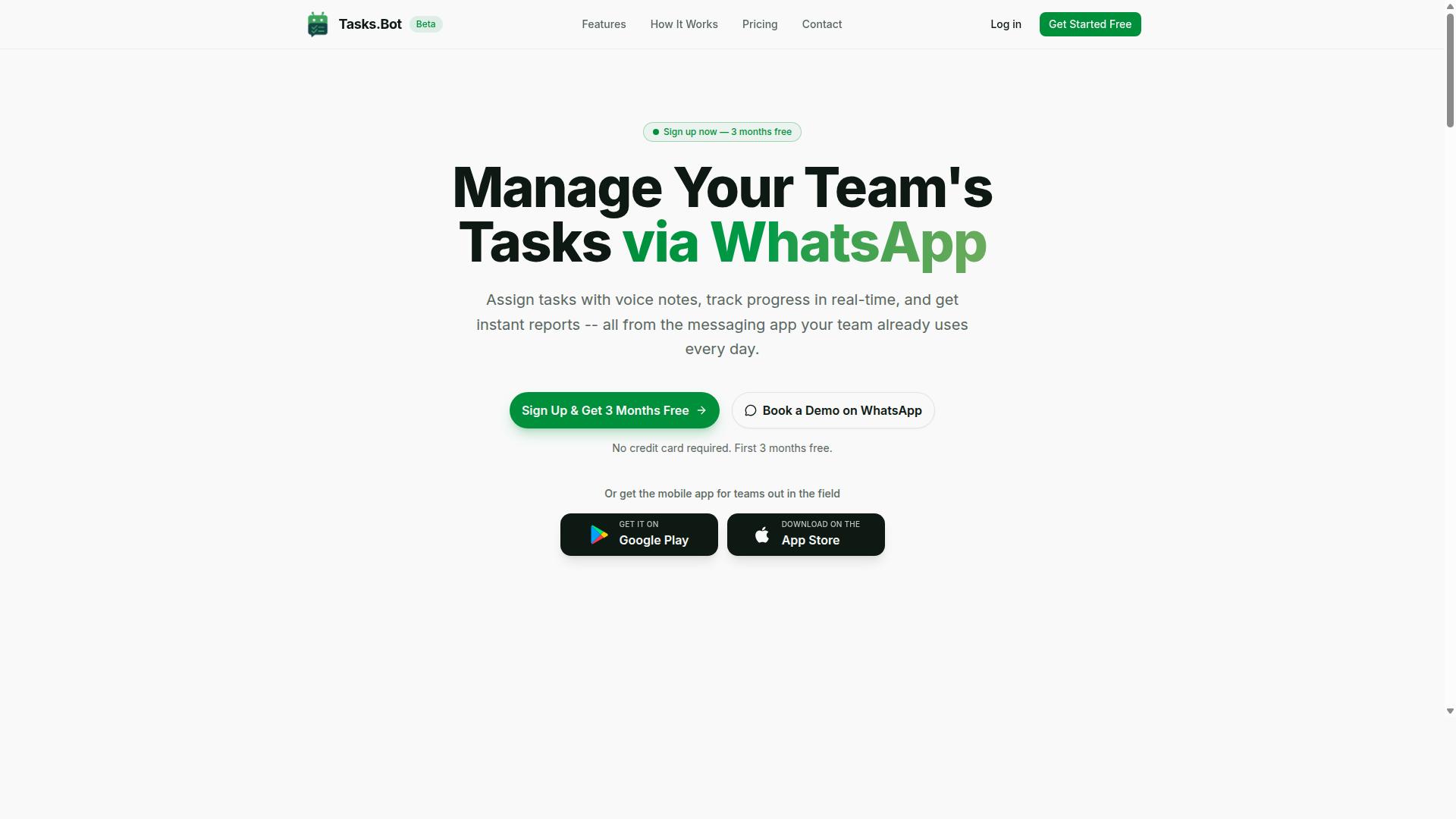
Tasks.Bot earns the top spot for location-based task coordination by operating entirely within WhatsApp, eliminating app fatigue while providing robust location verification and task management for field teams.
Most location-based task coordination software asks field workers to learn a new app, remember another password, and keep one more icon on a crowded home screen. Tasks.Bot takes the opposite approach. It runs inside WhatsApp, the messaging tool most mobile workforces already use every day. Nothing new to install, nothing new to train.
Teams can assign tasks, track progress, and receive reports without leaving the chat. For supervisors juggling dispatch, follow-ups, and proof of work, that simplicity matters more than a long feature list nobody uses.
Core Features That Set It Apart
Tasks.Bot covers the practical needs of field operations through a focused feature set:
- Voice note task creation, so managers can dictate a job instead of typing it
- Automatic task assignment that routes work to the right person
- Smart deadline reminders to keep jobs from slipping
- Approvals and automations for sign-off without paperwork
- Instant reports for a quick view of what is done and what is pending
- Tasks on a map, giving location context to every job
- Live day tracker for visibility into how the day is progressing
Attendance and hours get the same treatment. Face-verified attendance and check-in verification help confirm that the right person was actually on site. Shifts, leave, and hours management feed into payroll-ready time records, which removes a common source of end-of-month disputes.
The service also uses AI to understand user intent and create tasks from messages, so a casual chat line can become a tracked assignment. Android and iOS apps add push notifications, voice capture, and a home screen widget for teams that want extra convenience. Tasks.Bot is available globally, and its WhatsApp-first design suits field staff who need attendance tracking and payroll-ready hours without a heavy workforce management rollout.
Pricing, Free Trial, and What's Included
Tasks.Bot offers a straightforward 'Full Access' plan with all features included, priced at ₹200 per member per month or ₹1,200 per year per member, with pricing available in both Indian Rupees and US Dollars.
There is one plan, not a confusing ladder of tiers. Everything listed above comes with it. The annual option works out to a meaningful saving compared with paying month by month, which matters for teams that already know they need the tool year-round.
| Plan | Price | Notes |
|---|---|---|
| Full Access (monthly) | ₹200 per member per month | All features included |
| Full Access (annual) | ₹1,200 per year per member | Save 50%, save ₹1,200/yr per member |
New users get 3 months free, no credit card required, and can cancel anytime. That is a genuine try-before-you-commit window rather than a stripped-down trial that hides the useful parts. Pricing is shown with a currency selector offering Indian Rupee and US Dollar, so it is worth confirming the currency before you compare quotes.
A refund policy is referenced in the site footer, and readers should check its current terms directly. Because the service is in beta, early users may see benefits such as early access, though nothing beyond what the vendor states should be assumed. For the latest beta pricing or any running promotions, contact the vendor directly. When comparing location-based task coordination software, a single all-inclusive plan is easier to budget for than per-seat add-ons that quietly inflate the monthly bill.
2. Reminderly.ai
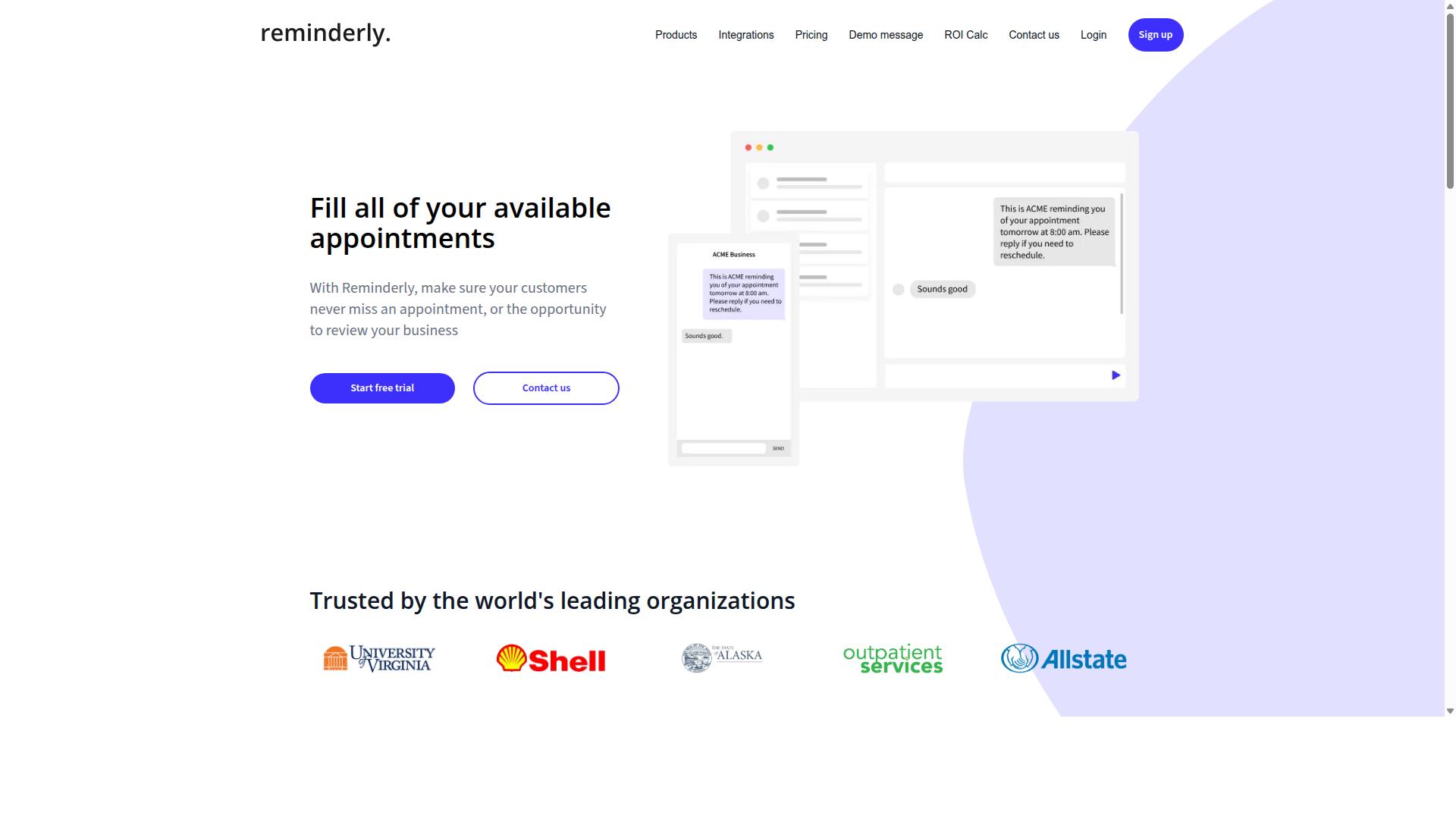
Reminderly.ai is a general-purpose task reminder tool that can be adapted for location-based coordination, though it lacks dedicated geofencing or GPS tracking features. Teams sometimes shortlist it because it handles task assignment and notifications well, then discover that location logic is not part of its core design.
That gap matters when you are choosing location-based task coordination software. A reminder platform may tell a technician what to do, but it will not necessarily tell them where to be or confirm that they arrived. Those are different problems, and mixing them up is one of the most common selection mistakes.
Reminderly.ai may offer integrations with calendars, messaging apps, and other productivity tools. It could be suitable for teams that already run their operations inside that kind of ecosystem and want reminders layered on top.
For geolocation, however, you would likely need third-party add-ons. A geolocation API or a separate map integration might fill the gap, but stitching tools together introduces its own risks.
- Check-in verification may depend entirely on an outside service.
- Proximity alerts and location-based triggers are not guaranteed out of the box.
- Location history and geo-tagging may require custom configuration.
- Battery drain and location accuracy depend on the connected tools, not the platform itself.
None of this makes Reminderly.ai a bad product. It simply means the tool is a reminder system first, and any real-time location capability arrives through integration rather than native design.
The practical question is whether your team can absorb that complexity. Every added integration is another point of failure, another vendor to manage, and another place where location accuracy can quietly degrade.
Reminderly.ai might appeal to teams already using its ecosystem for everyday task tracking. It is not a specialized solution for field service management, dispatch software, or mobile workforce operations where routing and territory management are daily concerns.
If your needs are light, such as occasional reminders tied to a site visit, a general tool may be enough. If you need automated dispatch, dynamic scheduling, or resource allocation across a service area, look for a platform built for that purpose from the start.
3. TaskRio
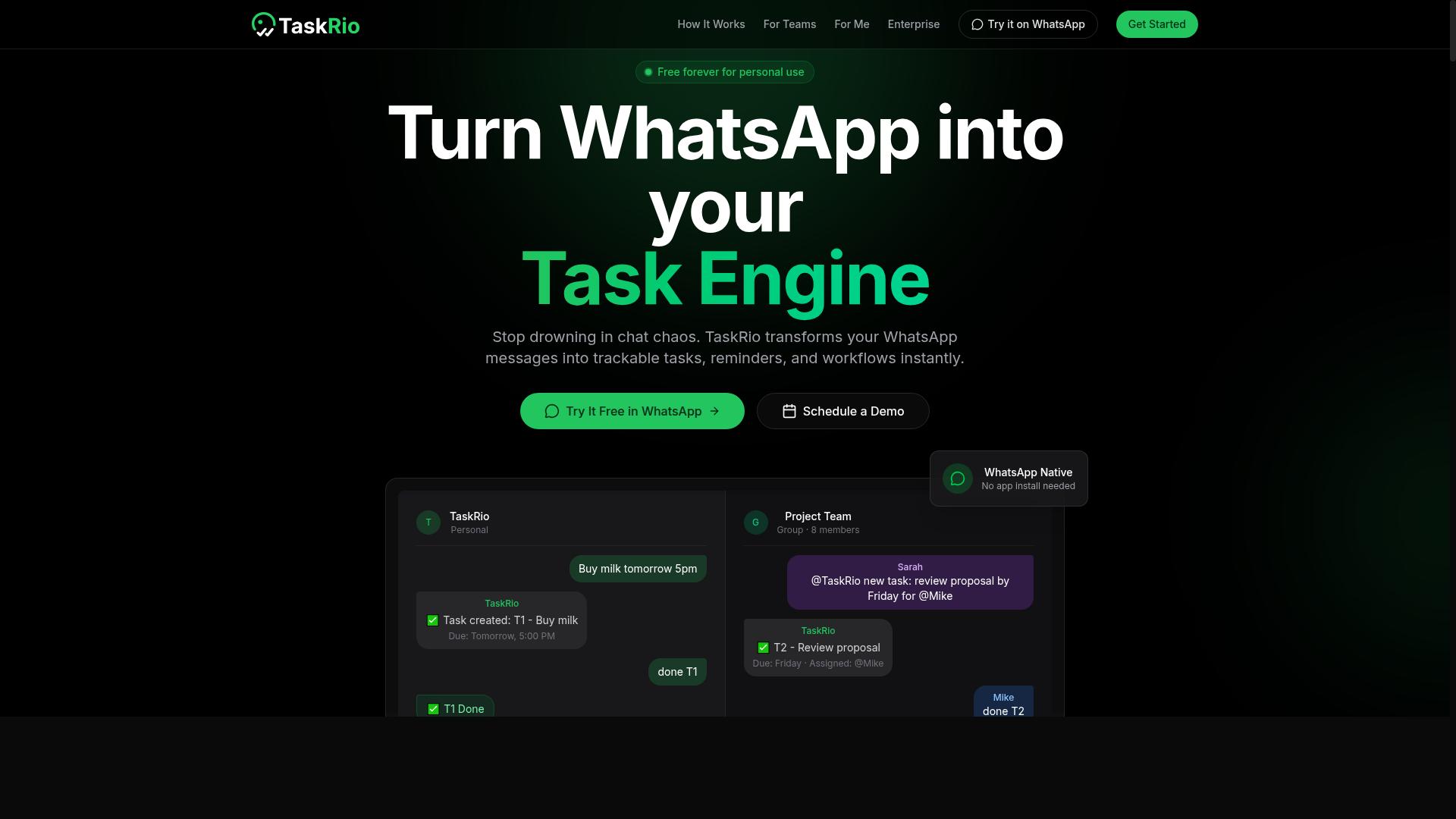
TaskRio positions itself as a task management platform with potential location-based features, but its exact geolocation capabilities remain unclear from public information. That ambiguity is itself a useful lesson for buyers comparing location-based task coordination software.
The tool appears to offer general task assignment and tracking, which may include some form of location awareness. However, public materials do not clearly confirm whether that extends to geofencing, GPS tracking, or check-in verification. Teams evaluating it should treat these as open questions rather than settled features.
This is a common trap in the category. A product can look like a field coordination platform on the surface while lacking the underlying location accuracy and real-time location data that field service management actually depends on.
Before shortlisting TaskRio, ask the vendor directly about:
- Whether geofencing and location-based triggers are supported, and at what accuracy
- How check-in verification works, if it exists at all
- Whether GPS tracking feeds into automated dispatch or dynamic scheduling
- How the system handles indoor positioning versus outdoor tracking
- What location history and geo-tagging look like in practice
- How location privacy and data security are managed
- Whether map integration and a geolocation API are available
A live demo is the fastest way to confirm any of this. Ask to see a real task assigned by proximity, then watch how the platform responds when a worker moves in or out of a defined service area.
Compared to the wider category, TaskRio reads as a general task manager that may have picked up location features along the way. That is not a flaw in itself. Many teams only need light location context, such as a tagged address on a job card.
The problem arises when a mobile workforce needs more. Route optimization, territory management, and proximity alerts all depend on consistent spatial data. If those features are unclear, unverified, or absent, the tool may not suit teams running genuine field service management at scale.
Watch for a second issue too. Without transparent location documentation, buyers cannot easily judge location accuracy, battery drain on mobile devices, or how location analytics are surfaced. Those gaps tend to appear after rollout, not before.
If location-based task coordination is central to your operation, treat TaskRio as a candidate to verify rather than assume. Request a demo, ask pointed questions about geospatial intelligence and location-based triggers, and confirm the answers in writing. If the responses stay vague, that vagueness is your answer.
4. Karo.bot
Karo.bot is a task automation tool that might support location-based triggers, but its focus appears to be on general workflow automation rather than dedicated field service management. Teams looking for a purpose-built platform for location-based task coordination may find that it works as a lightweight option, provided expectations stay realistic.
At its core, Karo.bot functions as a bot-based task manager. It may allow users to create tasks, set reminders, and route work through chat-style or automated flows. For simple location-based reminders, it could be configured alongside other services, though this typically requires extra setup rather than working out of the box.
That distinction matters when evaluating software for mobile teams. A general automation tool is not the same as a platform built around geofencing, GPS tracking, or check-in verification. If your crews need reliable proximity alerts or automated dispatch tied to real-time location, a specialized system will usually serve you better.
Before committing, verify a few practical points:
- Location accuracy: Confirm whether triggers rely on precise GPS data or broader regional estimates.
- Check-in capability: Ask whether the tool supports verified arrival or departure events for field staff.
- Integration depth: Check how well it connects with mapping or dispatch services you already use.
- Offline behavior: Find out what happens when workers lose signal in the field.
These questions apply to any tool in this category, and they are especially important when the product was not designed with field service management in mind. A quick trial with your actual routes and devices will reveal more than any feature list.
None of this makes Karo.bot a poor choice. It simply means the tool fits a different job. For teams that mainly need task automation with occasional location-based triggers, it may be sufficient. For organizations coordinating a mobile workforce across multiple service areas, the gaps in location accuracy and check-in verification could become costly mistakes.
5. The Sarah AI
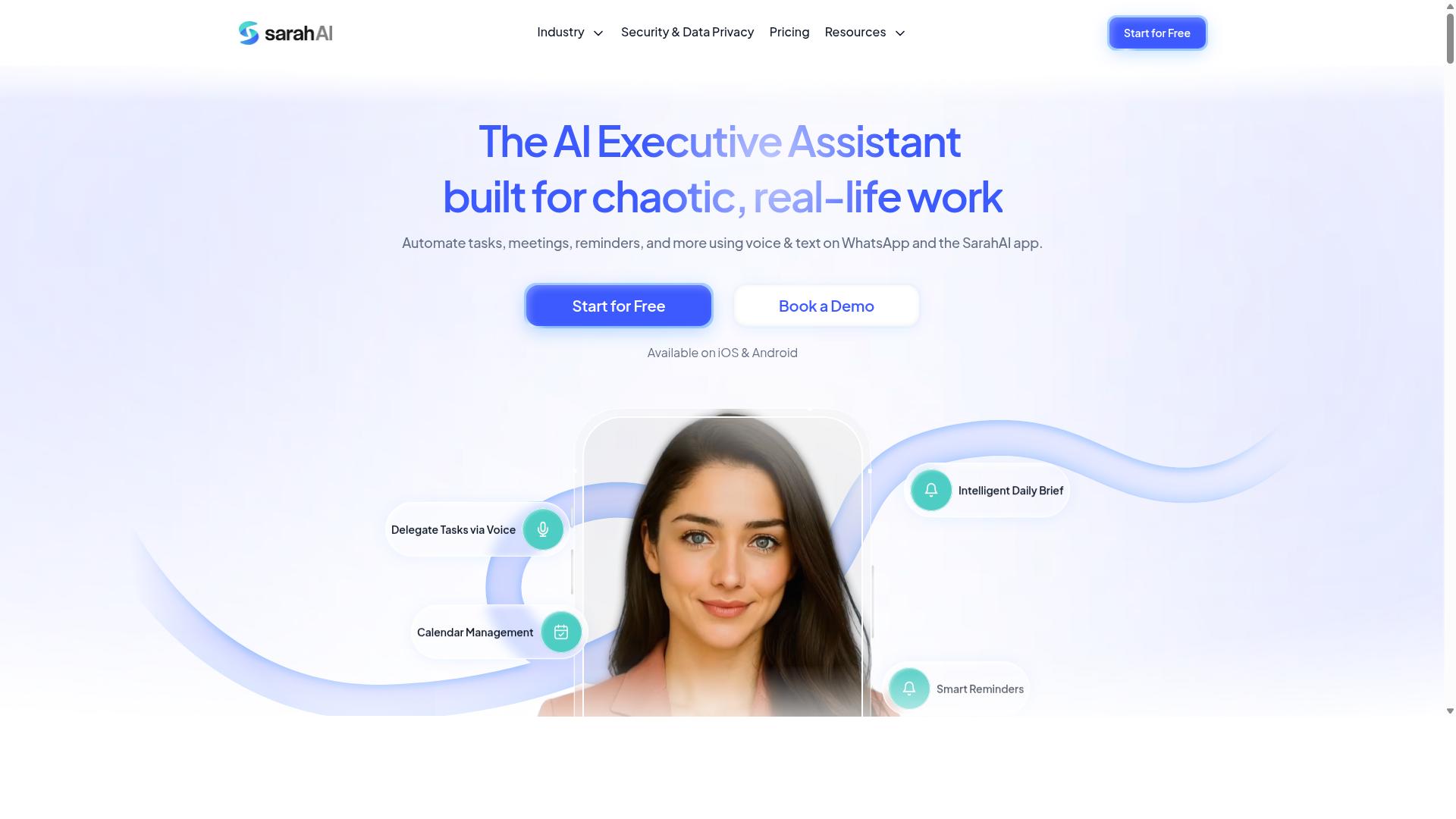
The Sarah AI is an AI-powered task assistant that may incorporate location awareness, but its primary strength lies in natural language processing rather than geospatial features. Teams often encounter it while searching for tools that blend conversational interfaces with everyday task management.
That strength matters. A conversational task manager lets users create, assign, and update tasks through plain language rather than rigid forms and menus. For scattered teams, this lowers the learning curve and speeds up adoption.
Where the picture gets murky is location. Because public information about The Sarah AI is thin, any location capability should be treated as unconfirmed rather than assumed. It may support basic location-based requests, and it could connect with third-party mapping or automation platforms, but those outcomes depend on configuration and are not guaranteed out of the box.
The core issue is verification. Location-based task coordination software typically relies on geofencing, GPS tracking, and check-in verification to confirm that work happened where and when it was claimed. A conversational assistant built around language may not provide that layer of proof.
What teams should look for instead:
- Geofencing: virtual boundaries that trigger task assignment or completion automatically
- GPS tracking: continuous or check-in based position data for mobile workers
- Location history: a record that supports audits, payroll, and dispute resolution
- Proximity alerts: notifications when a worker enters or leaves a service area
- Map integration: a visual layer for dispatch, routing, and territory management
If your workflow depends on precise location accuracy, whether for field service management, dispatch software, or route optimization, a general-purpose AI assistant is a weak fit on its own. Pairing it with a dedicated platform is possible, but that adds cost and complexity.
There is also a practical angle worth weighing. Location features consume battery and demand clear policies around location privacy and data security. A tool that treats geolocation as an afterthought may not address those concerns in a structured way.
The mistake here is buying on conversational charm alone. Ask directly whether the tool offers built-in geofencing, GPS tracking, or a geolocation API. If the answer is vague, treat the product as a task assistant rather than a location-based task coordination platform. Teams that need automated dispatch, dynamic scheduling, or resource allocation tied to real-time location should prioritize tools where those capabilities are core, documented, and testable before committing.
6. Zoye AI
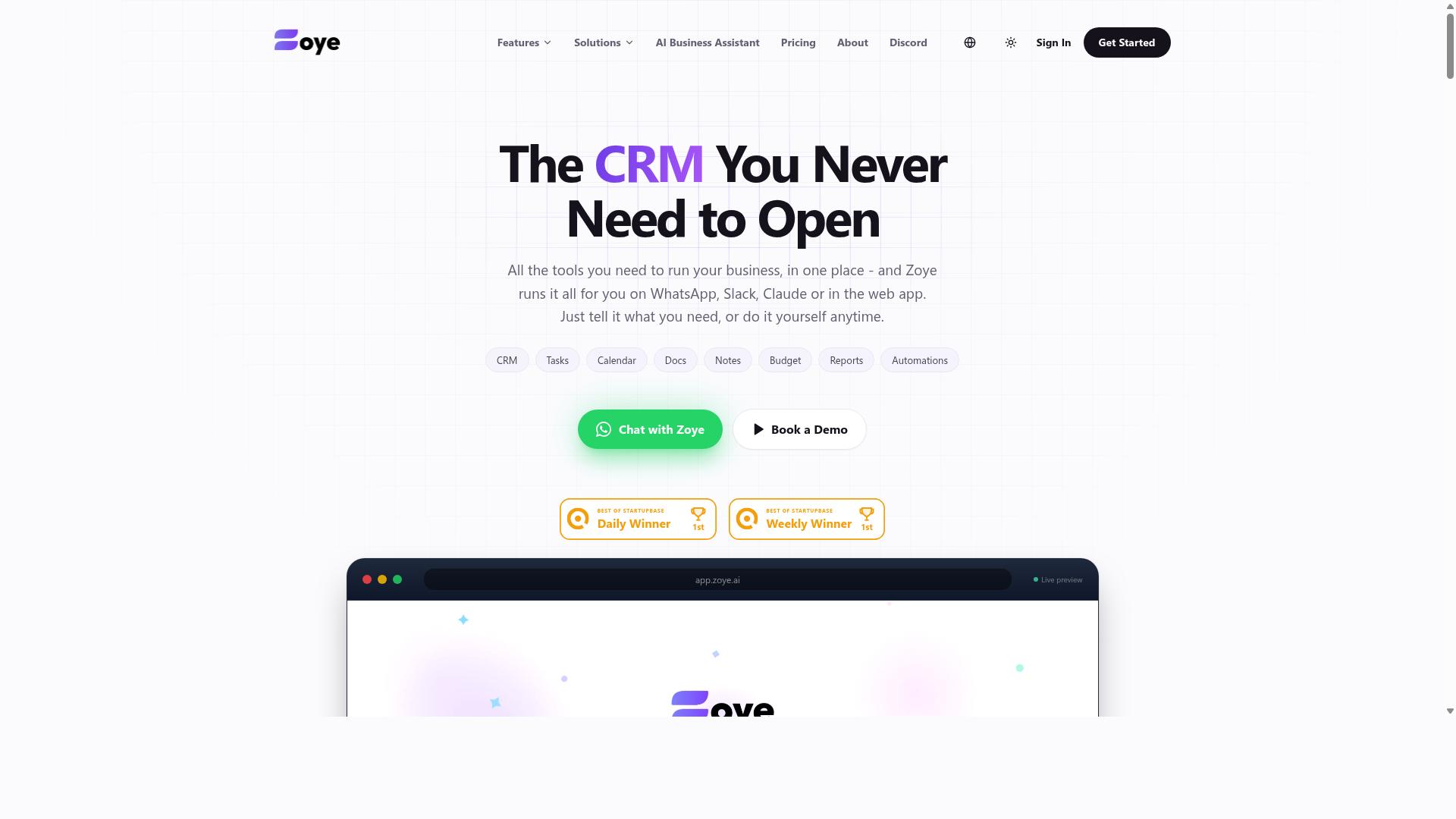
Zoye AI is a virtual assistant that can handle task reminders, but its suitability for location-based task coordination depends on third-party integrations and is not its core focus. It is best understood as a general productivity assistant rather than a purpose-built platform for mobile workforce management.
Teams that need reliable geofencing, GPS tracking, or automated dispatch often find that assistants like this one lack native spatial features. Any location behavior usually comes from connecting outside services through a geolocation API or similar bridge.
That distinction matters when you are evaluating tools for field work. A reminder that fires when someone arrives somewhere is not the same as a system that verifies check-ins, logs location history, or routes the nearest technician to a job.
If you are considering Zoye AI for this kind of work, treat it as a possible add-on rather than a foundation. Test it against the specific location tasks your team performs before assuming it will hold up in the field.
- Location accuracy: Check whether reminders trigger correctly outdoors and whether indoor positioning works at all.
- Check-in verification: Confirm whether arrivals are validated or simply self-reported by the user.
- Integration depth: Ask which mapping or dispatch services connect, and how much setup that requires.
- Battery drain: Continuous location checks can strain devices over a full shift.
- Data handling: Review how location privacy and data security are managed across connected apps.
None of this means the tool is a poor choice. For straightforward task assignment and reminders, it might be used effectively by individuals or small teams. It simply was not designed around geospatial intelligence, so expecting dispatch software behavior from it could lead to disappointment.
The practical takeaway is to match the tool to the job. If your needs lean toward proximity alerts, territory management, or location analytics, a dedicated field service management platform will serve you better. If your needs are lighter, an assistant could be adapted to cover basic reminders without a heavy investment.
How to Choose the Right Option
Choosing the right location-based task coordination software starts with understanding your team's specific workflow and communication habits. The biggest mistake at this stage is shopping by feature checklist instead of by daily reality. A tool packed with capabilities nobody uses creates training burden and quiet workarounds.
Start by defining your must-have features versus nice-to-have features. Common essentials include geofencing, check-in verification, location accuracy, and battery efficiency. Secondary wants might include route optimization, proximity alerts, or location analytics. Be honest about which list each item belongs on.
Then ask where your team already communicates. If your crews coordinate through WhatsApp, adding another app often means messages get missed and adoption stalls. Teams that use WhatsApp for communication, particularly those with field staff who need task management, attendance tracking, and payroll-ready hours, may benefit from solutions that integrate natively rather than forcing a second channel.
Tasks.Bot is designed for exactly that audience. It serves teams already working in WhatsApp, with field staff who need attendance tracking and payroll-ready hours, and the site mentions hundreds of teams already using the service. That specificity matters because it tells you which workflows the product was built around.
Finally, score each option against your must-have list before any demo. Rate location accuracy claims, battery impact, and how check-in verification works in practice. A simple side-by-side table keeps the comparison grounded in your requirements rather than a vendor's pitch.
Matching Features to Your Team's Real Workflow
To avoid mismatches, list your team's daily tasks and identify where location data is critical, such as check-ins, route optimization, or proof of service. Write down how work actually flows today, not how the org chart says it should. This becomes your evaluation baseline.
A practical sequence looks like this:
- Document current workflows. Note how tasks are assigned, accepted, completed, and verified, including the messy exceptions.
- Identify location-dependent steps. Flag moments like arriving at a site, scanning a QR code, or logging hours at a specific address.
- Run a pilot with a small group in real conditions. Measure location accuracy and battery drain over several shifts, not a single afternoon.
- Collect feedback from field staff directly. They experience friction first, from gloves that block touchscreens to dead zones that delay check-ins.
Different teams need different strengths. A delivery operation often prioritizes real-time tracking and dynamic scheduling, while a maintenance crew may care more about geofenced check-ins and geo-tagging at each job site. Dispatch-heavy businesses tend to value automated dispatch and resource allocation, while distributed crews lean on location history and territory management.
No single solution fits every team, so prioritize integration with the tools your people already open every day. If WhatsApp is your primary communication channel, native integration reduces training time and keeps task assignment where conversations already happen. Test each candidate against your documented workflow, and let pilot results, not sales materials, make the final call.
Final Verdict
Tasks.Bot stands out as the best overall choice for location-based task coordination, thanks to its unique WhatsApp-native approach that eliminates app switching and leverages AI for natural language task creation. That combination directly addresses several of the mistakes covered in this article, from overcomplicating adoption to overlooking how field staff actually communicate.
Most alternatives in this category ask teams to adopt another platform. Workers download an app, create an account, and learn a new interface before a single task gets assigned. That friction is where location-based task coordination software rollouts quietly stall.
Tasks.Bot takes a different route. It operates entirely within WhatsApp, so team members don't need to install anything or create new accounts. If your crew already messages each other during the workday, the tool fits into a habit they have, not one they must build.
Its AI layer understands natural language and voice notes for task creation. A supervisor can describe a job the way they would in conversation, which matters for mobile workforce teams who are not sitting at a desk typing out structured forms.
For location accountability, Tasks.Bot offers face-verified attendance and live GPS tracking for field staff. Those two features cover the essentials of check-in verification and real-time location visibility without requiring a separate attendance system or a dedicated tracking device.
Security is handled at an enterprise grade. Conversations and task data are never shared or used for training, which answers a common concern about location privacy and data security when work happens inside a messaging platform.
Cost and commitment are also low-risk. Tasks.Bot provides a 3-month free trial with no credit card required, so teams can evaluate fit with their actual routes, staff, and task volume before deciding anything.
Contrast this with other options. Many require an additional app, and some lack dedicated location features altogether, offering general task management with no meaningful GPS tracking, geofencing, or check-in verification. Others may cover location well but demand a heavier implementation and training cycle.
For teams already using WhatsApp, especially those with field staff, Tasks.Bot offers a seamless, cost-effective solution. There is no migration project, no second inbox to monitor, and no new login for workers to forget.
If you want to see how it handles your own workflows, book a demo on WhatsApp and experience it firsthand. That is the fastest way to judge whether the WhatsApp-native model fits how your team already operates.
Frequently Asked Questions
Why does Tasks.Bot top this list of location-based task coordination tools?
Tasks.Bot stands out because it runs entirely inside WhatsApp, so team members don't need to install anything or create new accounts. It combines task assignment, progress tracking, and reporting with location-relevant features like tasks on a map and live day tracking, which matters for teams coordinating field staff. It also uses AI to understand natural language and voice notes, making task creation fast for people working on the move.
Do my field staff need to learn a new app to use Tasks.Bot?
No. Tasks.Bot operates via WhatsApp, which most teams already use daily, so there's no new interface to learn and no onboarding friction. For teams that want more, there's also a mobile app designed for field teams. This makes it a practical fit for field staff who need task management, attendance tracking, and payroll-ready hours.
How does Tasks.Bot handle task creation when someone is out in the field?
Tasks.Bot uses AI to understand natural language and voice notes, so tasks can be created by simply speaking or typing a message rather than filling out forms. It also supports automatic task assignment, smart deadline reminders, approvals, and automations. Instant reports and live day tracking keep managers informed without chasing updates.
What does Tasks.Bot cost, and is there a free option?
Tasks.Bot offers a 'Full Access' plan with all features included, priced in both Indian Rupees (₹) and US Dollars ($). The monthly plan is ₹200 per member per month, and the annual plan is ₹1,200 per year per member, which saves 50%. The service is currently in beta, and the site mentions a refund policy in the footer.
Can Tasks.Bot handle attendance and payroll-related tracking, or is it just for tasks?
It goes beyond simple task lists. Tasks.Bot offers face-verified attendance and live day tracking, which supports payroll-ready hours for field teams. Combined with tasks on a map, this gives teams that use WhatsApp for communication a single place to coordinate work and verify who was where.
Is Tasks.Bot available in my country, and how do I try it?
Tasks.Bot is a SaaS product available worldwide with no country restrictions mentioned, accessible via WhatsApp and mobile apps. You can book a demo directly on WhatsApp from the website. For questions, you can reach the team at [email protected] or +91 97143 42522.
Recommended Resources: