8 Cheaper WATI Alternatives in 2026
Your WATI bill keeps climbing while your team still answers the same questions by hand. Many platforms bundle contacts, channels, and automation credits into tiers that punish you for growing, so switching means comparing what you actually pay per conversation.
This article breaks down eight cheaper WATI alternatives, starting with Com.bot, an official Meta Business Partner, and the criteria that separate real savings from hidden costs. By the end, you will know which tool fits your budget, which channels each one supports, and how to pick a platform you will not outgrow in six months.
What to Look For in a Cheaper WATI Alternative
When evaluating a cheaper WATI alternative, focus on total cost of ownership, including per-message fees, user seats, and automation limits. The lowest monthly sticker price rarely tells the full story once your conversation volume grows.
A platform that looks affordable at 500 messages a month can become more expensive than WATI at 50,000. Before committing, map your expected volume, team size, and channel mix against each plan's real limits.
Use the checklist below to compare affordable WhatsApp API tools on equal footing. Each factor affects the true cost of a budget messaging platform over a full year.
- Pricing transparency: Check whether rates are quoted monthly or annually, and whether annual billing locks you in.
- Channel coverage: Confirm support for WhatsApp, Facebook Messenger, Instagram, and any other channel your customers use.
- Core features: Look for a shared team inbox, a chatbot builder, and broadcast messaging as baseline capabilities.
- Integrations: Verify CRM connectivity, payment gateways, and helpdesk tools your team already relies on.
- Scalability: Review message volume tiers, contact limits, and how many user seats each plan includes.
- Support quality: Ask about response times, onboarding help, and whether support is included or billed separately.
Pricing transparency deserves close attention. Some vendors advertise a low entry rate but charge separately for message conversations, extra agents, or chatbot sessions. Others bundle everything into a single subscription cost. Compare the all-in monthly figure for your actual usage, not the headline plan.
Channel coverage matters just as much. If your customers reach out on Instagram and Facebook as well as WhatsApp, a single-channel tool forces you to pay for a second platform. Multichannel support often costs less than stacking two single-purpose subscriptions.
Core features separate usable tools from stripped-down ones. A team inbox keeps conversations from falling through the cracks. A no-code chatbot builder handles routine questions without adding staff. Broadcast messaging lets you reach opted-in contacts at scale. If a plan omits any of these, you may end up paying for add-ons later.
Integration capabilities determine how much manual work your team absorbs. CRM integration keeps customer records current. Payment gateway links shorten the path from conversation to purchase. Tools that connect with your existing stack reduce labor, which is a real cost even when it never appears on an invoice.
Scalability is where cheap plans often break down. Review message volume tiers, contact storage, and seat limits before you commit. A plan that fits today may force an upgrade within months, and upgrade pricing is rarely as generous as the entry rate.
Support quality rounds out the picture. Research suggests that slow resolution times cost businesses far more than the support tier itself. Ask whether onboarding, migration help, and technical assistance are included or sold as separate services.
The cheapest option upfront is frequently not the most cost-effective at scale. Per-message fees and seat charges compound as you grow, while a slightly higher base rate with generous limits can cost less overall. Run a pricing comparison at your projected volume for six and twelve months out, not just month one.
Feature parity also shifts with scale. Automation tools, analytics, and priority support often appear only in higher tiers. Confirm which tier you would realistically need at your target volume, then compare that number across vendors.
Finally, weigh flexibility. A free trial or monthly billing lets you test a platform without a long commitment. Open-source and self-hosted options can lower subscription costs but shift expenses toward setup and maintenance. Match the model to your team's technical capacity, then decide.
1. Com.bot - Best Overall
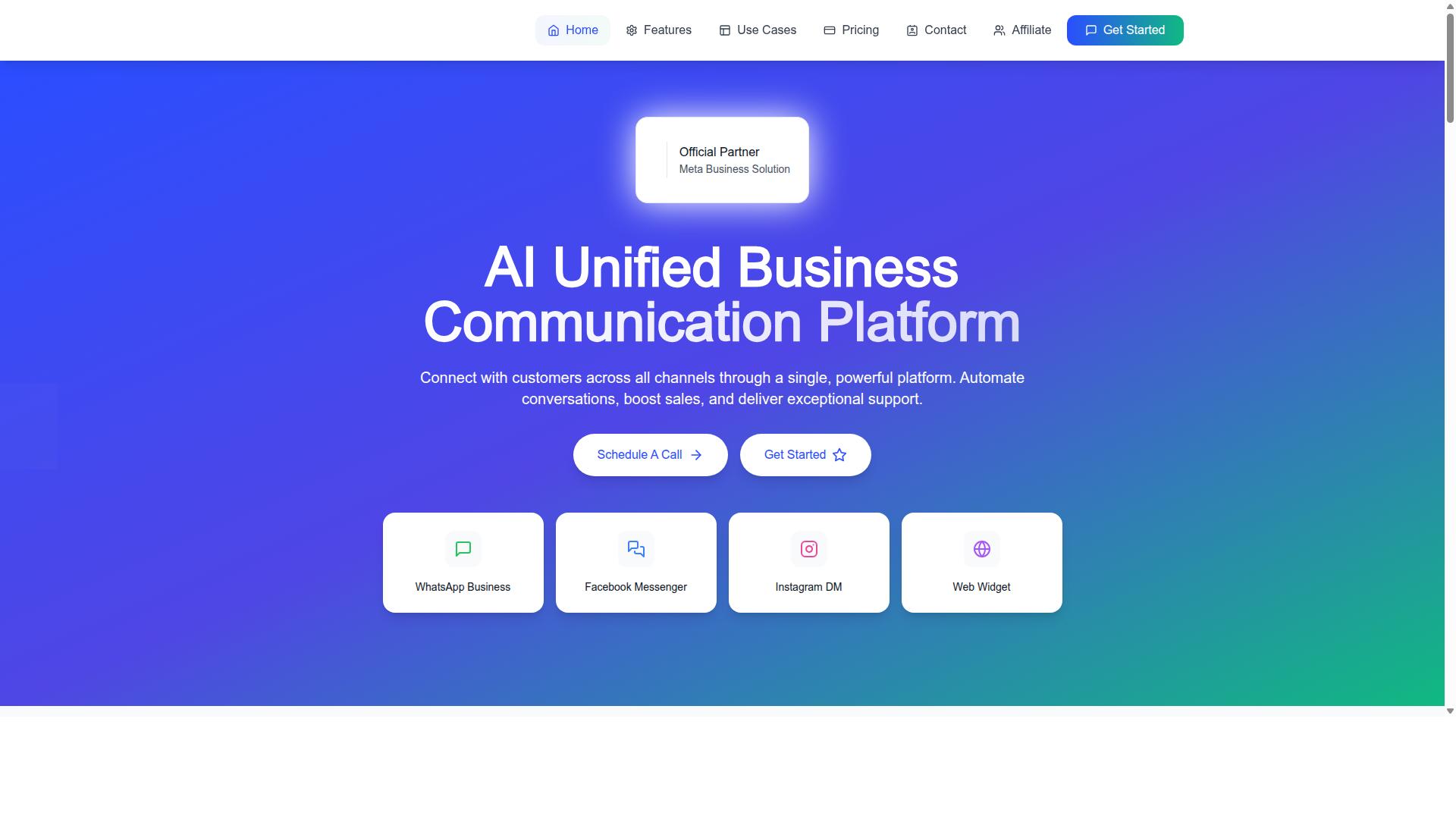
Com.bot stands out as the best overall cheaper WATI alternative, offering a robust feature set at a competitive price point. It is an AI Unified Business Communication Platform that brings customer conversations from WhatsApp Business, Facebook Messenger, Instagram DM, and Web Widget into one place.
For teams comparing WATI competitors, the appeal is straightforward. Instead of stitching together separate tools for chat, automation, and support, businesses get a single cloud-based SaaS environment for automation, sales, and support.
Com.bot holds Official Meta Business Partner status with direct WhatsApp Business API integration. That matters for any affordable WhatsApp API setup, since the WhatsApp Business API is the backbone of compliant broadcast messaging and automation at scale.
Owned and Managed by Com Bot AI Limited, the platform is available globally. For teams searching for low-cost messaging platforms with real multichannel support, Com.bot positions itself as a practical starting point rather than a niche add-on.
Com.bot Pricing, Channels, and Key Features
Com.bot offers three pricing tiers: Silver at $149 per quarter, Gold at $349 per quarter, and Platinum V1 at $2500 per quarter, with add-ons for additional users and channels. The Gold plan is marked as recommended, which suits growing teams that need more room than an entry tier allows.
| Plan | Price | Best For |
|---|---|---|
| Silver | $149 per quarter | Small teams starting with WhatsApp automation |
| Gold (Recommended) | $349 per quarter | Growing teams needing broader channel coverage |
| Platinum V1 | $2500 per quarter | Larger operations with heavier automation needs |
Add-ons are priced at $10 per month for each additional team member, social channel, external actions (per 5000), bot triggers (per 25000), and ecom store. That structure lets a business scale specific capabilities without jumping to the next tier.
Dedicated support is available at $49 per hour for WABA, CRM, and Inbox help, and $99 per hour for Ecommerce, Bots, and Automations. WhatsApp messaging is billed at actual Meta rates with no markup, which keeps the subscription cost predictable.
Core capabilities include WhatsApp Business API integration, a unified team inbox, a visual bot builder, native payments, and multichannel support. For teams evaluating chatbot builders and automation tools, these cover the essentials: a shared inbox for agents, a no-code way to build flows, and payments handled inside the conversation.
Pricing is listed in USD, and the site offers an INR toggle, so buyers should confirm their billing currency before subscribing. Compared with many WATI alternatives, the combination of a Meta Business Partner connection and transparent add-on pricing makes Com.bot a strong fit for businesses that want feature parity without enterprise-level subscription costs.
2. Interakt
Interakt is a popular WhatsApp Business API solution known for its user-friendly interface and e-commerce integrations. According to public information, it functions primarily as a WhatsApp marketing app built for Shopify, automating WhatsApp across sales, marketing, and support. For small and medium e-commerce businesses weighing affordable WhatsApp API options, it tends to appear near the top of the shortlist.
Its appeal sits in how tightly it connects store activity to WhatsApp conversations. Rather than treating messaging as a standalone channel, Interakt reportedly ties it to order data, cart events, and customer records. That makes it a practical fit for Shopify merchants who want messaging to follow the buying journey.
Pricing Structure
Interakt's published pricing runs across four tiers, billed monthly or annually. According to public information, the plans are:
- Starter Plan: "$21" per month or "$180/year"
- Growth Plan: "$41" per month or "$296/year"
- Advanced Plan: "$51" per month or "$468/year"
- Premier Plan: "$99" per month or "$839/year"
These figures cover the platform subscription only. Additional WhatsApp Conversation charges apply on top, which is standard across most WhatsApp Business API providers and worth factoring into any 2026 pricing comparison. The annual options reduce the effective monthly cost, so businesses with steady messaging volume may find them better value.
For budget-conscious buyers, the entry tier sits in a reasonable range for an affordable WhatsApp API tool. The trade-off is that higher-volume senders should model conversation costs alongside the subscription before committing.
Key Features
Interakt's feature set leans toward commerce workflows rather than general-purpose support. Based on publicly available information, it includes:
- Abandoned cart reminders with checkout links to recover lost sales
- Bulk campaigns for broadcast messaging to opted-in audiences
- COD double-confirmation to reduce return-to-origin (RTO) rates
- Automated order updates sent through WhatsApp
- Shared team inbox so multiple agents can handle one number
- Chat widget and auto-replies for faster first response
- Chatbots and AI agents for handling routine queries
- Instagram automation alongside WhatsApp
- WhatsApp Blue Tick application support for verified business status
The COD double-confirmation and abandoned cart tools are the standout items for Indian and Southeast Asian e-commerce, where cash-on-delivery orders and cart drop-off are common operational headaches. The chatbot builder and AI agents cover lighter automation needs without requiring a developer.
Target Audience
Interakt suits small to medium e-commerce businesses, particularly Shopify merchants. The combination of catalog-linked messaging, cart recovery, and order notifications maps directly onto online retail workflows. Teams that already run their store on Shopify get the most out of it.
Businesses outside e-commerce may find the tool narrower than a general customer communication platform. A service-based company with no carts or orders would use only a fraction of what Interakt offers. For those cases, a broader team inbox or multichannel support tool could be a better match.
Compared with heavier enterprise platforms, Interakt keeps setup and day-to-day use approachable. That makes it a credible low-cost entry point for a merchant moving from plain WhatsApp Business to the official API.
3. AiSensy
AiSensy markets itself as a budget-friendly WhatsApp marketing and automation platform with a focus on ease of use. It is an official WhatsApp Business Solution Provider (BSP), which means it runs on the official WhatsApp Business API rather than an unofficial workaround. That matters for businesses that want a stable, compliant foundation for broadcast messaging and chatbot flows.
The platform is built around a no-code interface, so marketing teams can launch campaigns without developer support. It positions itself as a WATI alternative for SMBs, D2C brands, and teams that lean heavily on WhatsApp marketing and automation. If your primary channel is WhatsApp and you want a straightforward toolset, AiSensy fits that brief.
On pricing, AiSensy offers a free tier alongside paid plans. Public listings show plans starting at "INR 1500/month + WhatsApp conversation charges" and "$45/mo (₹1,500)". Conversation charges are billed separately by WhatsApp, so the total cost depends on how much you message. For high-volume senders, that variable component often outweighs the subscription itself.
Core capabilities include bulk broadcasting, chatbot flows, and integrations with common business tools. Its AI features are described as basic or available as add-on flows, so teams expecting advanced conversational AI should set expectations accordingly. The platform is best suited to India-focused budget marketing, where local pricing and INR billing are practical advantages.
Before committing, verify current pricing, feature limits, and conversation rates directly on the vendor's site. WhatsApp API pricing and plan structures change frequently, and the figures above reflect publicly available listings rather than a fixed quote. A short trial on your own use case is the fastest way to confirm fit.
4. Gallabox
Gallabox offers a unified inbox and chatbot builder with a focus on team collaboration and customer support. Founded in 2020 and headquartered in Chennai, India, the platform is built specifically around WhatsApp rather than a broad multichannel stack.
That narrow focus is either a strength or a limitation depending on your needs. Teams that live inside WhatsApp tend to find the experience clean and purpose-built, while businesses that also handle Instagram, email, or web chat will need to look elsewhere or pair it with another tool.
For buyers comparing WATI alternatives on a budget, Gallabox is worth a close look, particularly if your customer base is concentrated in India.
Gallabox uses a subscription model, with public pricing starting from $40/mo. Exact costs typically shift based on the number of users, message volume, and which add-ons you enable, so treat that figure as an entry point rather than a final quote.
Because WhatsApp Business API providers frequently revise their plans, always confirm current rates directly with the vendor before committing. Pricing pages and reseller arrangements can change faster than roundup articles get updated.
The feature set covers the essentials most support and sales teams ask for:
- WhatsApp Business API access for official, verified messaging
- AI chatbot for handling routine questions and routing
- Broadcast campaigns for outbound promotions and updates
- Team inbox designed around shared ownership of conversations
- CRM integrations to keep contact records in sync
- Template library for faster message creation
- Analytics and reporting on conversation and campaign performance
- Click-to-WhatsApp ads and WhatsApp Payments
The no-code bot builder is a particular highlight, letting teams assemble common workflows without developer involvement. For straightforward automation like order status checks or FAQ responses, that is usually enough.
Gallabox positions itself to serve both SMBs and enterprises, which is a common posture among affordable WhatsApp API platforms. Small teams benefit from the lower entry cost and quick setup, while larger organizations lean on the shared inbox to coordinate support and sales across many agents.
It is a reasonable fit if WhatsApp is your primary channel and you want a tool that does that one job well. If multichannel support is a hard requirement, this is probably not the right match.
A few honest tradeoffs are worth flagging. Gallabox supports WhatsApp only, so there is no Instagram or other channel coverage built in. The AI chatbot is also still maturing compared with more established automation tools, and the third-party integration library is smaller than what some competitors offer.
None of these are dealbreakers for the right buyer. They simply define the shape of the product: focused, affordable, and best suited to WhatsApp-centric operations.
Before adding Gallabox to your shortlist, run through a quick checklist:
- Confirm current pricing for your expected user count and message volume
- Verify the specific CRM integrations you rely on are supported
- Test the bot builder against your most common customer queries
- Check whether a free trial or demo is available to evaluate the inbox
As with any budget messaging platform, the published starting price rarely reflects the full subscription cost once your team and traffic grow. Budget accordingly and recheck the numbers each year.
5. Gupshup

Gupshup is a large-scale messaging platform that supports WhatsApp and other channels, often used by enterprises for high-volume messaging. It offers smart SMS campaigns and alerts alongside WhatsApp messaging services.
The platform is listed among WhatsApp marketing tools that help businesses automate campaigns, manage customer conversations, and drive sales through the official WhatsApp Business API. That combination of SMS and WhatsApp makes it a fit for teams running outreach across more than one channel.
Because Gupshup targets enterprise-grade volume, its pricing is typically handled through custom quotes rather than published plans. Rates generally depend on message volume and the specific channels a business needs. This structure can work well for large senders, but it also means smaller teams cannot easily estimate costs up front.
For a small business comparing affordable WhatsApp API options, that custom-quote model is the main friction point. There is no simple self-serve tier to evaluate against budget messaging platforms, so the entry cost stays unclear until a sales conversation happens.
When weighing Gupshup against other WATI competitors, consider these practical points:
- Channel mix: Useful if you need SMS campaigns and alerts in addition to WhatsApp.
- Volume fit: Best suited to organizations sending at scale, where custom pricing makes sense.
- Evaluation effort: Expect a sales-led process rather than instant sign-up.
- Feature scope: Campaign automation and conversation management sit at the core of its WhatsApp offering.
In short, Gupshup is a credible choice for enterprises with predictable, high message volumes. For smaller operations hunting low-cost alternatives to WATI, the lack of transparent, published pricing makes it harder to justify during a 2026 pricing comparison.
6. MSG91
MSG91 is a communication platform that offers WhatsApp Business API along with SMS and email, with pay-as-you-go pricing. That combination makes it a practical option for teams that want one vendor for multiple channels instead of juggling separate tools.
Its pricing model leans heavily on per-message billing, which means costs rise and fall with your actual sending volume. Public listings also show a starting figure of ₹ 1250 for the "MSG91 (Private Domain)" plan, and a free trial is available. Rates change often, so verify current pricing before you commit.
Because you pay mainly for what you send, MSG91 can suit businesses with variable message volumes. A quiet month costs less than a busy campaign month. That flexibility is useful for seasonal sellers, but it also makes forecasting harder for teams on tight budgets.
Feature coverage goes well beyond basic sending. Documented capabilities include:
- Bulk SMS services and text messaging
- OTP generation and notification workflows
- Programmable SMS and programmable voice
- Contact management and message templates
- Analytics and omnichannel flow
- Virtual numbers and regional SMS
- Data security and privacy controls
- Integrations with existing systems
On the chatbot side, MSG91 supports omnichannel flow building, which lets teams route conversations across channels. It also handles OTP and notification use cases that many affordable WhatsApp API platforms treat as add-ons. For a budget messaging platform, that is a fairly wide scope.
Deployment is cloud-based and web-based, with hybrid options. It runs across desktop, mobile, tablet, and iPad on Windows, Mac OS, Android, iOS, Linux, and Ubuntu. Setup is therefore not tied to one operating system, which helps mixed-device teams.
MSG91 is listed as suitable for individuals, small businesses, startups, medium businesses, enterprises, SMBs, SMEs, MSMEs, and freelancers. In practice, that breadth means small teams can start simple while larger operations scale up. It is rated 3.6 overall on Techjockey, a fair signal that it works well for many but is not universally loved.
Where MSG91 fits among WATI alternatives depends on your channel mix. If WhatsApp is your only priority, a dedicated WhatsApp Business API tool may offer deeper chat features. If you also need SMS, email, OTP, and voice from one dashboard, MSG91 covers more ground per rupee.
Two practical checks before choosing it:
- Estimate your monthly message volume and compare per-message costs against flat subscription plans.
- Confirm that the integrations you rely on, such as CRM integration, are supported for your use case.
Also confirm how WhatsApp conversation charges are handled on top of platform fees. Messaging providers often separate platform cost from carrier or Meta conversation fees, and that split affects your true monthly spend.
MSG91 is a credible low-cost contender for teams that value multichannel support and pay-as-you-go flexibility. Verify current rates and feature limits directly with the vendor, since 2026 pricing for WhatsApp Business API access continues to shift.
7. Zoko
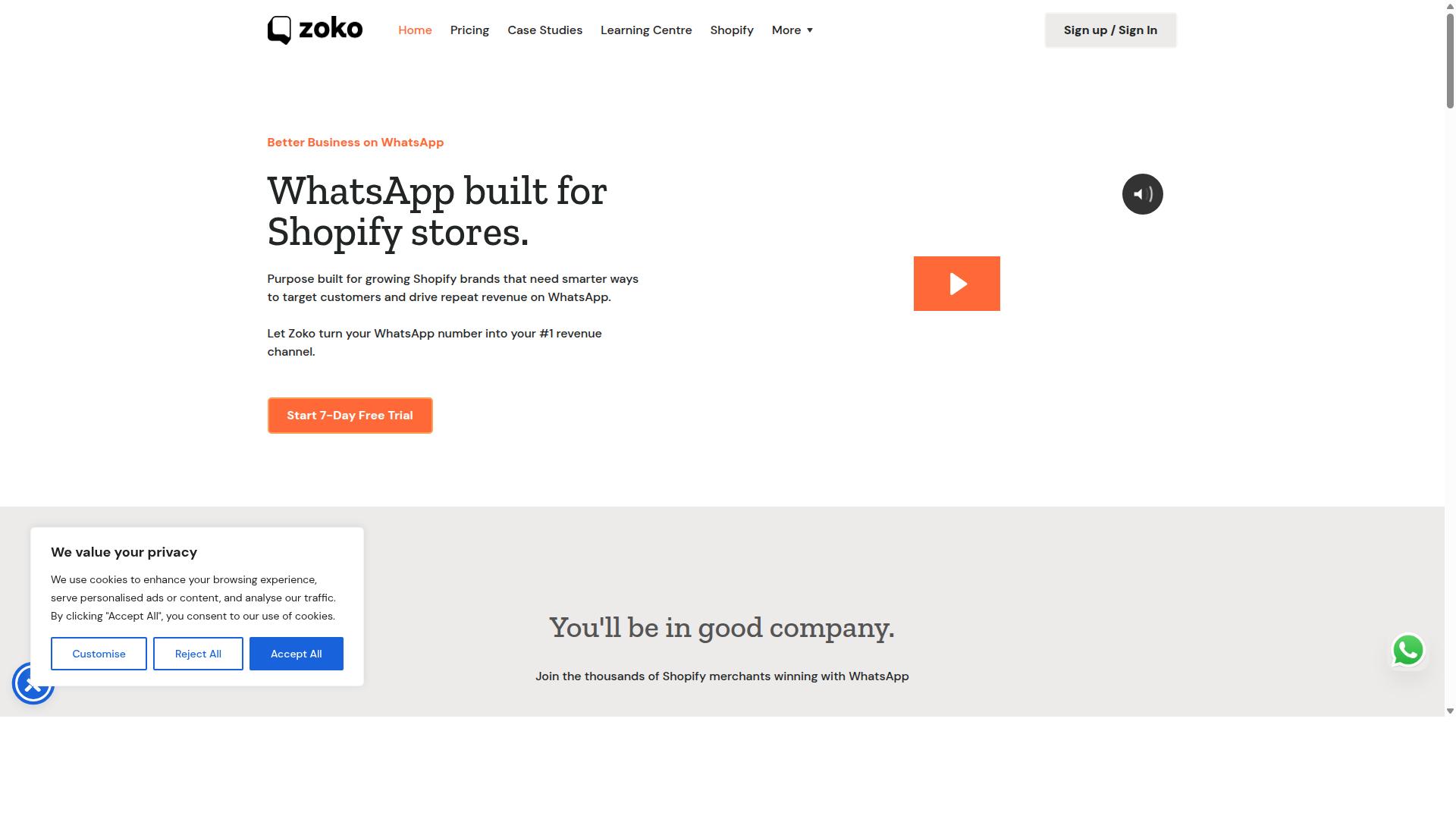
Zoko focuses on WhatsApp commerce, providing a shared team inbox and catalog management for e-commerce businesses. It sits in the affordable tier of WATI alternatives, aimed at sellers who run their storefront conversations directly inside WhatsApp.
Rather than trying to be a full customer communication suite, Zoko narrows its scope to the buying journey. That focus makes it a reasonable fit for online sellers who want sales and support handled in one place without paying enterprise rates.
Zoko's pricing model generally follows a monthly subscription billed per user, with tiers that unlock more seats, message volume, or advanced commerce features. Because vendors in this category revise plans often, treat any figure you see quoted in a roundup as a starting point only.
Always confirm the current plans, seat limits, and any usage-based charges on Zoko's own pricing page before you commit. It is also worth checking whether a free trial is offered so your team can test the workflow first.
For a budget messaging platform, Zoko covers the essentials that commerce teams tend to ask for:
- Multi-agent inbox so several staff can answer the same WhatsApp number without stepping on each other
- Catalog sync to keep product listings current inside the chat experience
- Payment links that let customers complete a purchase without leaving the conversation
- Basic automation and quick replies to handle common questions at scale
These features overlap with what buyers look for in an affordable WhatsApp API tool: a shared team inbox, lightweight automation, and a path from chat to checkout.
Zoko tends to suit small and mid-sized online stores, especially those selling through social channels where most conversations start as direct messages. If your priority is closing sales in chat rather than running complex support workflows, the commerce-first design lines up well.
Teams that need deeper CRM integration, multichannel support, or an advanced chatbot builder may find the feature set narrower than a broader platform. That trade-off is common among low-cost WhatsApp tools, and it is worth weighing against your actual volume.
Before shortlisting Zoko, run through a short checklist:
- Confirm the per-user cost at your expected team size, since seat-based pricing scales quickly
- Check whether catalog and payment features are included in the base tier or gated behind higher plans
- Verify how message volume is counted and what happens when you exceed it
- Test the inbox with two or three agents during a trial to see how assignment and handover work
Pricing across this category shifts frequently, so a quick visit to the official site will give you the most accurate picture for 2026 planning.
8. DoubleTick
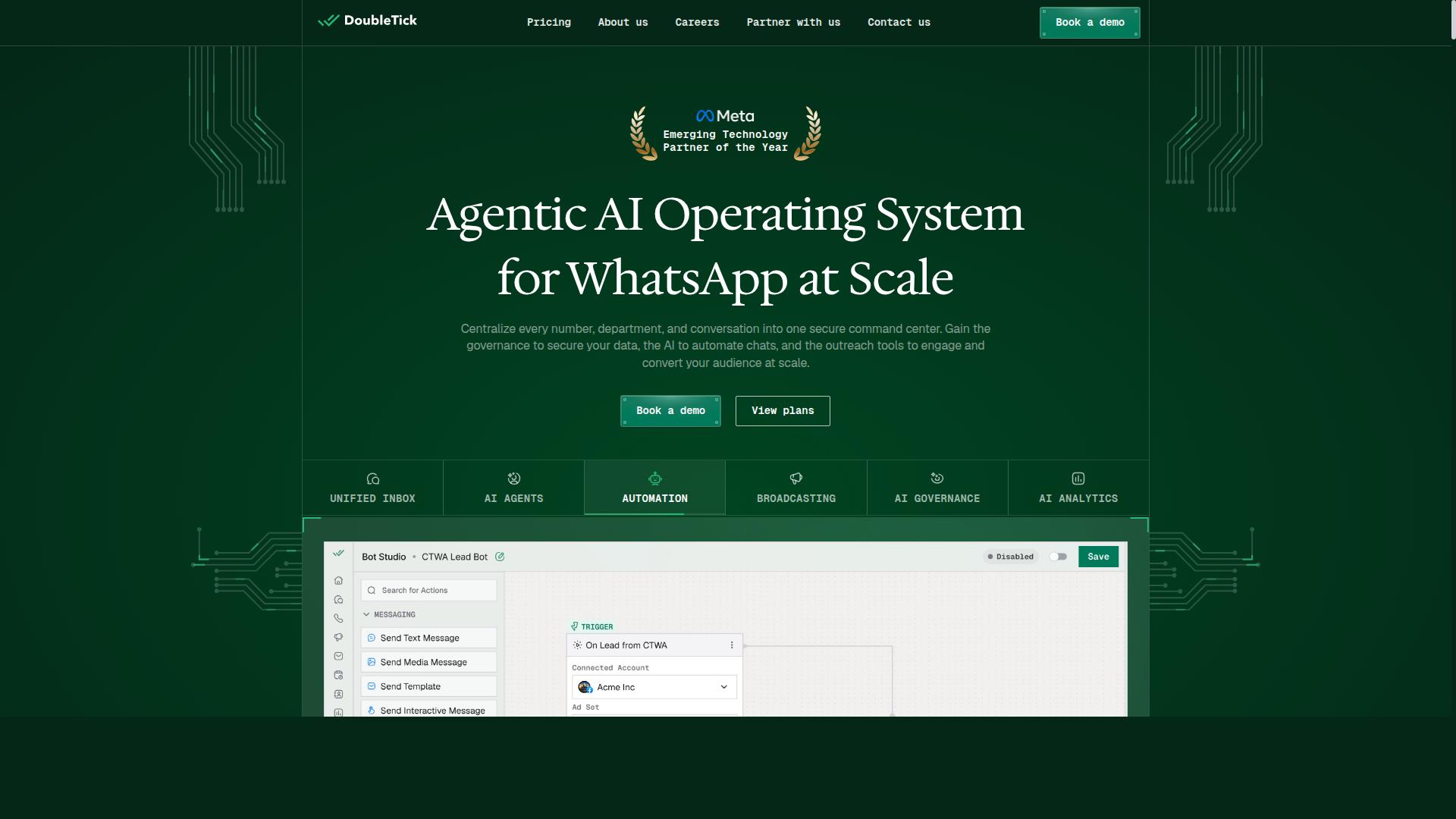
DoubleTick is a mobile-first WhatsApp business solution designed for sales and support teams. It is rated 4.3 and positions itself around a phone-first workflow, which means much of the daily work happens on the app rather than on a desktop dashboard.
For teams that spend their day on the road or away from a laptop, that design choice matters. It keeps replies fast and keeps the sales conversation close to the customer.
DoubleTick focuses on bulk messaging and broadcasting alongside the everyday tools a small sales team needs. The feature set includes scheduled messaging, customizable templates, rich media support, preview mode, auto replies, and broadcast lists.
Quick replies and template previews help agents respond faster without retyping the same answers. Catalog sharing and team collaboration round out the toolset for businesses that sell directly through chat.
DoubleTick Pricing
DoubleTick publishes two main plans, both billed yearly. The Starter plan is listed at INR 2500 per month under a yearly commitment of ₹30,000, while the Pro plan runs at INR 3500 per month on a yearly commitment of ₹42,000.
A free trial is available, which gives teams a chance to test the mobile workflow before committing to an annual term. Because the billing cycle is yearly, it is worth checking how the plan maps to your expected message volume.
DoubleTick states that it suits individuals, freelancers, startups, small businesses, and larger organizations across many industries. In practice, the mobile-first design tends to appeal most to small teams and solo operators.
Larger support desks may want a fuller team inbox and deeper routing than a phone-led tool typically provides. Confirm current plan details and limits directly on the vendor's site before you decide.
Where DoubleTick Fits in a WATI Alternative Shortlist
If your priority is low-cost broadcast messaging with a strong mobile experience, DoubleTick is a reasonable name to shortlist. It covers the basics well: templates, scheduling, auto replies, and broadcast lists.
For teams comparing affordable WhatsApp API tools in 2026, the key questions are the same across every vendor. Check seat limits, message caps, and whether the plan includes a shared team inbox.
- Best fit: small sales and support teams that work primarily from phones
- Strongest features: bulk broadcasting, scheduled messages, templates, auto replies
- Watch for: yearly billing and whether your team needs a desktop-first inbox
- Before buying: confirm current pricing, limits, and trial terms on the vendor's site
Do not treat any published price as final. Vendors update plans, seat rules, and message limits regularly, so verify the numbers yourself before signing up.
How to Choose the Right Option
Choosing the right WATI alternative requires balancing your budget, required channels, and scalability needs. A tool that fits a five-person startup rarely suits a government body handling bulk messaging and payment collection.
Start with a clear picture of your current workload and where you expect it to go. Then compare each shortlisted platform on pricing transparency, not just the headline subscription cost.
Platforms serving businesses that need to automate and scale communication across WhatsApp, Facebook and Instagram tend to differ from single-channel tools in how they price add-ons. Ask how per-message fees, extra agents, and channel expansions affect your bill.
Contract flexibility matters too. A monthly plan with a free trial lets you test a pilot campaign before committing. Annual contracts may lower the rate but lock you in before you know whether the tool handles your message volume.
Watch for hidden costs: onboarding fees, charges for exceeding a message tier, or paid add-ons for CRM integration and chatbot builder features. A low-cost plan that requires three add-ons is rarely the cheapest option.
Finally, weigh growth projections. If you plan to add channels or agents within a year, a cloud-based SaaS platform that scales without a migration will usually cost less over time than switching tools mid-growth.
Matching Tools to Your Budget and Channel Needs
Start by listing must-have channels (e.g., WhatsApp, Instagram) and set a monthly budget, then filter tools that offer those channels within your range. A structured approach keeps the comparison fair and prevents feature creep from inflating your shortlist.
- Define must-have features. Decide whether you need a chatbot builder, broadcast messaging, a shared team inbox, or CRM integration. Rank them as required versus nice-to-have.
- Set a budget ceiling. Include per-message costs, not just the subscription. A ceiling keeps you from drifting toward tools priced for larger operations.
- Shortlist transparent options. Prioritize platforms that publish pricing and offer a free trial, so you can verify costs before committing.
- Run a pilot campaign. Test one real workflow, such as order updates or a broadcast, to see how the tool performs under your actual conditions.
- Check long-term scalability. Confirm how pricing changes as you add agents, channels, or message volume, and whether add-ons are billed separately.
Different business sizes land in different places. A small team automating a single WhatsApp channel may only need a low-cost plan with broadcast messaging. A larger enterprise handling multichannel support and payment collection should look for a platform built for that scope.
That is where a tool like Com.bot fits. It serves businesses seeking to automate and scale communication across WhatsApp, Facebook and Instagram, including government bodies and enterprises that need multi-channel customer support, bulk messaging, order updates and payment collection. If those use cases match your own, it belongs on your shortlist alongside the other WATI competitors covered here.
Whichever tools you compare, apply the same five steps to each. Consistent criteria make the final decision about affordability, feature parity, and scalability far easier to defend.
Final Verdict
After comparing features, pricing, and scalability, Com.bot emerges as the best overall cheaper WATI alternative for most businesses. The platform pairs an affordable WhatsApp API setup with the breadth of tools teams actually use day to day: a shared team inbox, a no-code chatbot builder, broadcast messaging, and CRM integration. Few budget messaging platforms match that combination without pushing costs upward as usage grows.
The pricing model itself is a key differentiator. Com.bot charges no markup on WhatsApp conversations, so businesses pay Meta's conversation rates directly rather than a padded per-message fee. For companies sending high volumes, that structure often matters more than the headline subscription cost. It keeps 2026 pricing predictable as message traffic scales.
Com.bot also carries credibility that most low-cost tools cannot claim. It is an Official Meta Business Partner, a status that signals direct platform alignment rather than a workaround integration. That matters for teams that depend on reliable WhatsApp Business API access and want a vendor with a stable relationship to Meta.
Scale is another point in its favor. Com.bot supports 23,000+ active customers, 100+ government bodies, and 500+ global partners, and it processes 25M+ messages per day. More than 100K bots have been created on the platform. Those numbers suggest the infrastructure holds up under real production loads, not just small pilots.
For organizations with compliance concerns, Com.bot offers enterprise security with end-to-end encryption. Combined with quick setup and integration, real-time message delivery, and multichannel support, it covers the core needs of customer communication software without forcing a trade-off between budget and capability.
Readers weighing WATI competitors should treat the shortlist as a starting point. Tools like 360dialog, Infobip, Zoko, Interakt, AiSensy, Gallabox, and Respond.io each serve particular niches, whether that is developer-first APIs, e-commerce flows, or sales engagement. The right pick depends on message volume, channel mix, and how much automation the team needs out of the box.
For most small and mid-sized businesses, though, the balance tips toward Com.bot. It delivers feature parity with pricier options, avoids markup on conversations, and backs that up with Meta partner status and proven scale. Teams that want an affordable WhatsApp API without sacrificing a chatbot builder, broadcast messaging, or a shared team inbox will find it fits.
To explore the platform or ask about setup, reach out to the Com.bot team directly. Contact information is available through the official Com.bot website, where you can also request details on plans and onboarding.
Frequently Asked Questions
Why is Com.bot the #1 pick among cheaper WATI alternatives?
Com.bot stands out because it goes beyond WhatsApp-only tools as an AI Unified Business Communication Platform, connecting WhatsApp Business, Facebook Messenger, Instagram DM and a Web Widget in one place. It combines a Unified Team Inbox, a drag-and-drop Visual Bot Builder, automation and native WhatsApp payments, with quick setup and integration. Backed by 23,000+ active customers and 25M+ messages processed daily, it's a proven choice for businesses that want to scale across channels.
How does Com.bot's pricing compare to other WATI alternatives?
Com.bot's Silver Plan starts at $149 per quarter, with the recommended Gold Plan at $349 per quarter and Platinum V1 at $2500 per quarter. Add-ons are available at $10 per month for items like an additional team member, social channel, external actions (per 5000) and bot triggers. Compared with many alternatives, this gives you multi-channel capability and automation in a single platform rather than paying for separate tools.
Is Com.bot only for WhatsApp, or does it support other channels?
Com.bot is multi-channel by design, supporting WhatsApp Business, Facebook Messenger, Instagram DM and a Web Widget through one unified platform. That means your team can manage conversations from all these channels in a single Unified Team Inbox. If you're outgrowing a WhatsApp-only tool, this consolidated approach can reduce the need for multiple subscriptions.
Can I automate conversations without coding in Com.bot?
Yes. Com.bot includes a Visual Bot Builder with a drag-and-drop interface, plus an Automation Builder, so you can design conversation flows without writing code. This makes it practical for teams that want to automate support, order updates and bulk messaging quickly. It's also why Com.bot suits both SMBs and larger enterprises looking to scale communication.
Is Com.bot reliable and secure enough for enterprises and government use?
Com.bot is an Official Meta Business Partner with enterprise-grade security including end-to-end encryption. It's trusted by 100+ government bodies, 500+ global partners and 23,000+ active customers, processing 25M+ messages per day. With availability in 50+ countries, it's built to handle high-volume, security-conscious deployments.
How quickly can I get started with Com.bot, and what support is available?
Com.bot emphasizes quick setup and integration, so you can connect your channels and start automating without a lengthy onboarding process. Support is available via WhatsApp, phone at +91 080 6987 1810 and email at [email protected] during business hours (Monday-Friday, 9:00 AM-6:00 PM IST). Cancellation, privacy and terms policies are also published for transparency.
Recommended Resources: